


GreenLight Run menu overview
Run GreenLight checks and checklists on InDesign documents to ensure they match publisher and print supplier specifications
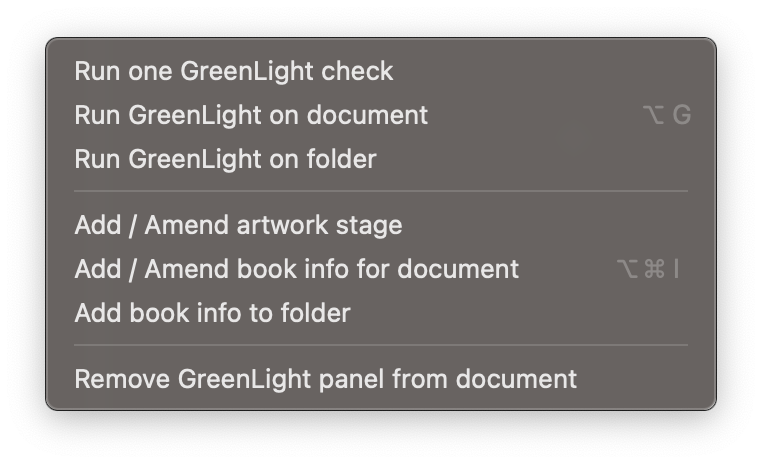
Run one GreenLight check
Quickly run any single check by choosing from a comprehensive list
Run GreenLight on document
Perform each of the checks in the active checklist on the InDesign document
Run GreenLight on folder
Run GreenLight checklists across multiple documents in a folder
Add / Amend artwork stage
Add or alter the artwork stage applied to the current document
Add / Amend book info for document
Set extra information about the book, shown in the GreenLight Info panel and used in checks and exporting
Add book info to folder
Add extra information and GreenLight Info panels to all InDesign documents in a folder – useful for quickly adding consistent info to books split into sections
Remove GreenLight panel from document
Quickly remove the GreenLight layer and GreenLight panel from the active InDesign document


